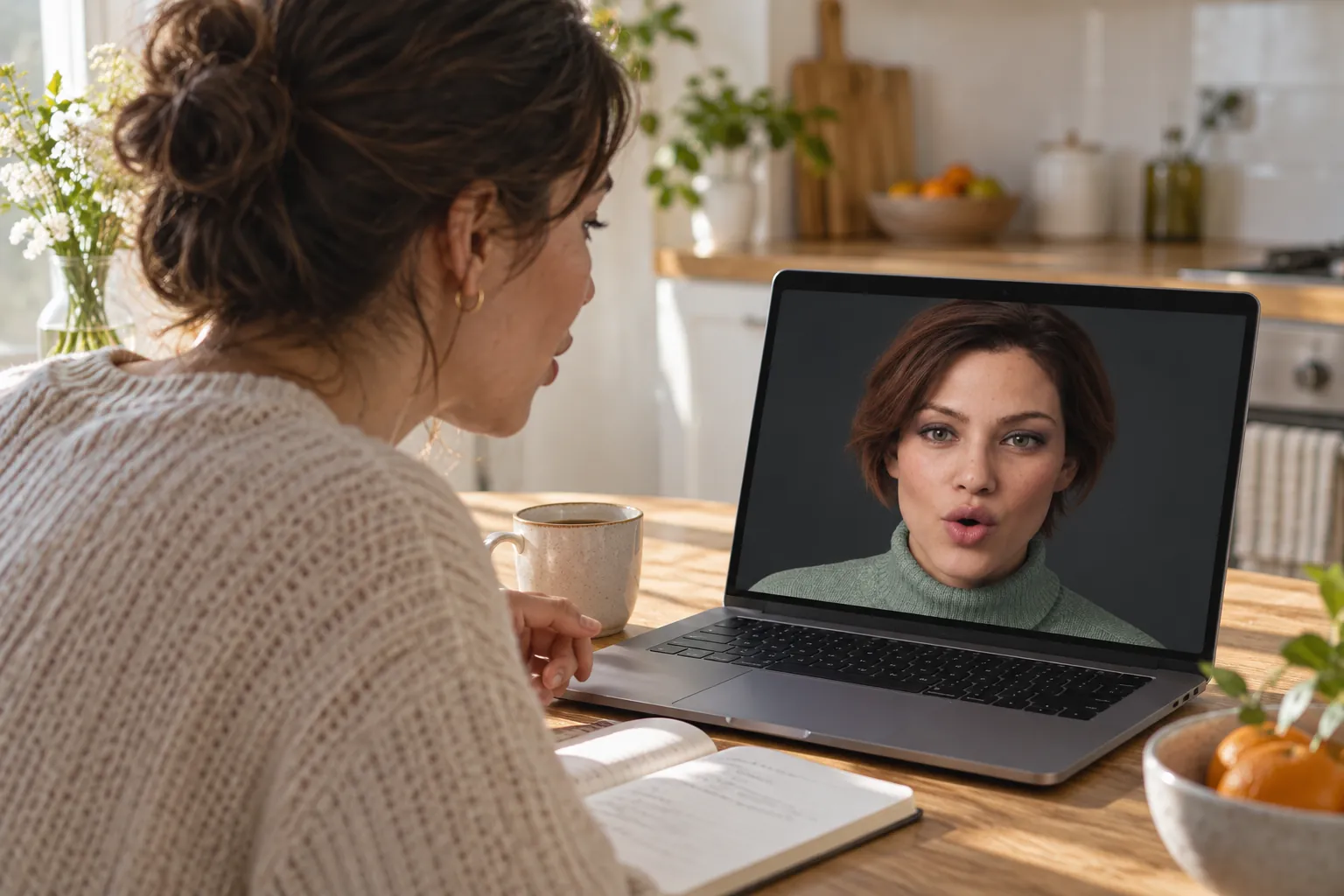
Why a face helps you learn to speak
Most people who study a language can read far more than they can say. The gap closes only one way: by talking, a lot, to someone who answers. Classes give you a few minutes of that a week, and a tutor costs money by the hour. ChatGPT’s voice conversation is a patient speaking partner in almost any language, available at eleven at night. Facelet adds the part a voice alone leaves out.
Speech scientists have known since the 1950s that seeing a speaker’s face makes speech easier to follow, and the effect is strongest when the words are hard to make out. For a learner, every word is hard to make out. With Facelet you watch the mouth open, close and round as the words come, you catch where one word ends and the next begins, and you copy a phrase the way you would copy a person. The face also gives the session the rhythm of a real conversation: someone looks at you while you search for the word, then answers.
A twenty-minute session, start to finish
- Set your level in one sentence. Each Facelet conversation starts fresh, so tell it where you are and what you want. A good opener is the first line below.
- Warm up for three minutes. Small talk at your level: your day, the weather, what you ate. The point is to get your mouth moving in the language.
- Role-play one real situation. Ordering at a café, checking in at a hotel, describing a symptom at a pharmacy, meeting a new colleague. Ask it to stay in the language and stay in character.
- Do one pronunciation pass. Pick the sentence that tripped you up. Ask for it slowly, watch the mouth, say it back, and ask which sound was off. Repeat just that word.
- Close with five phrases. Ask for the five most useful phrases from the session, say each one back, and write them down. They are tomorrow’s warm-up.
Things to say
Say these in English, or in the language itself once you can. Change the language and level to yours.
- “I’m learning Spanish and I’m around A2. Speak only Spanish, slowly, in short sentences. If I get stuck, give me the word in English, then carry on in Spanish.”
- “Let’s role-play. You’re a barista in Madrid and I’m ordering for two people. Don’t switch to English unless I ask.”
- “Say that sentence again, slowly, one word at a time. Then listen to me say it.”
- “Which sound did I get wrong? Just that word, again.”
- “Only correct mistakes that would confuse a native speaker. Save the rest for the end.”
- “Tell me a two-minute story in French, then ask me three questions about it.”
- “Give me the five most useful phrases from today, and I’ll say each one back.”
How to set it up
- Make the face big. Use the window rather than Float, and make it full screen from the View menu, so the mouth is easy to watch.
- Choose a voice you like listening to. Pick any of ChatGPT’s voices for your character; each face remembers its voice. A voice you enjoy is one you will come back to.
- Use push to talk if you pause a lot. In Always listening mode a long pause can sound like the end of your turn. With push to talk you hold a key for as long as you need, and it answers only when you let go.
- Keep paper nearby. Facelet is voice only. Writing the phrases down by hand is what makes them stay.
What it won’t do
- It does not follow a curriculum or track your progress between sessions. Each conversation starts fresh.
- It is not a certified teacher. ChatGPT is fluent but can occasionally explain a grammar rule wrongly; check the rules that matter to you in a grammar book.
- The mouth moves from the voice, live. It follows closely but not perfectly, and it does not show the tongue.
- It needs an internet connection and a ChatGPT plan that includes voice conversation, with that plan’s usual limits.
Questions
Which languages can I practice with Facelet?
Any language ChatGPT’s voice conversation speaks, which covers most widely spoken languages, including Spanish, French, German, Italian, Portuguese, Japanese, Korean and Mandarin. Facelet has no language setting of its own: ask in the language you want, or ask for a switch mid-conversation. The face animates from the voice, so it moves with whatever language is being spoken.
Can I see exactly how to shape each sound?
You can see the mouth open, close and round with the voice, live, and that helps you follow and copy a phrase. It is not a pronunciation diagram: the animation follows the audio closely but not perfectly, and the tongue is not shown. Use it as a speaking partner, and ask ChatGPT to describe a tricky sound in words when you need the detail.
Is this better than a language app?
It is different. Vocabulary apps are good at words and reading. What they rarely give you is a long, unscripted spoken conversation with someone who answers back, which is where most learners get stuck. Many people use both: an app for the daily words, Facelet for twenty minutes of talking.
Does Facelet remember my level between sessions?
No. Each Facelet conversation starts fresh, and Facelet does not read your ChatGPT history or memories. Start each session with one sentence about your level and your goal. The page above has one you can copy.