Use cases
Try it freeWhat people use Facelet for, out loud.
Facelet gives your ChatGPT a lifelike human face on your Mac. People use it to learn out loud, to get ready for work, for company at home, and to greet visitors at the front desk. Each page has the exact words to start.
Learn out loud
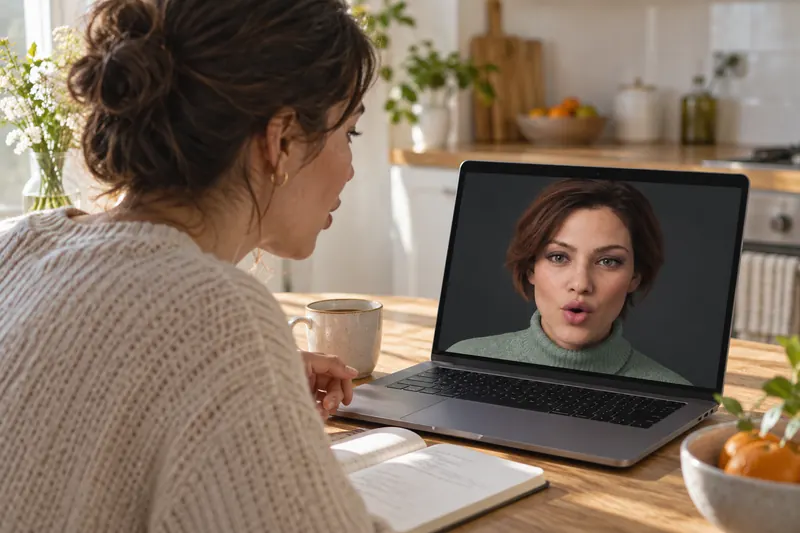
¿Qué le pongo? ¿Un café con leche?
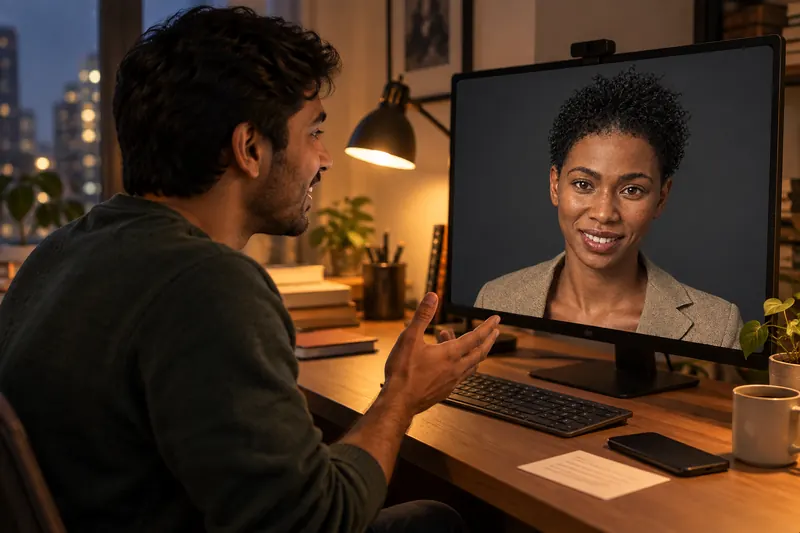
I think remote work changed everything.

Let me explain it back from the start.
Get ready for work
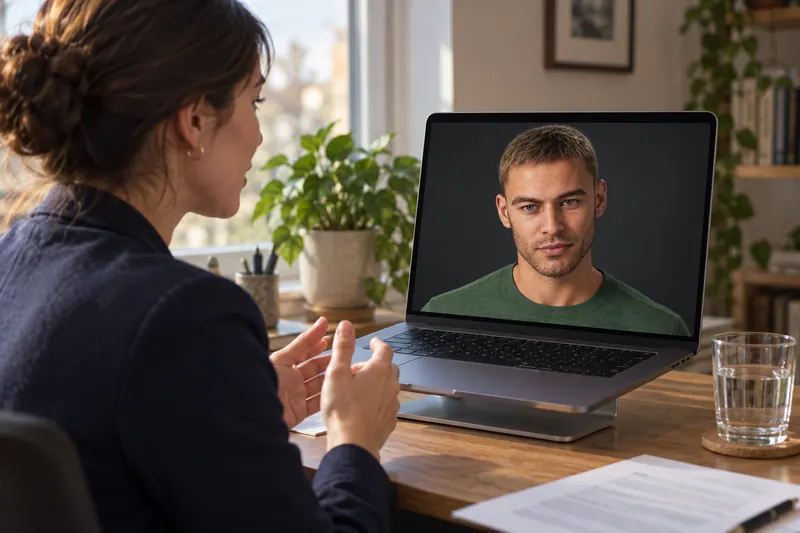
Tell me about a time a project went wrong.
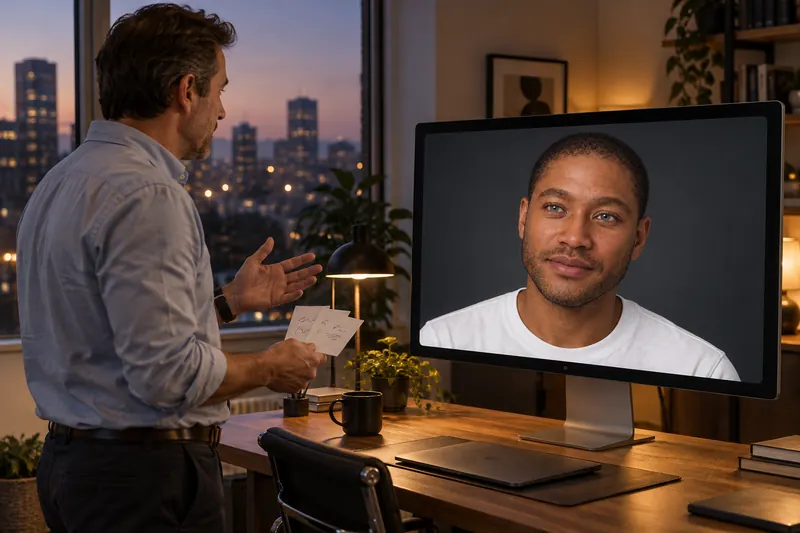
Give me two minutes, then tear it apart.
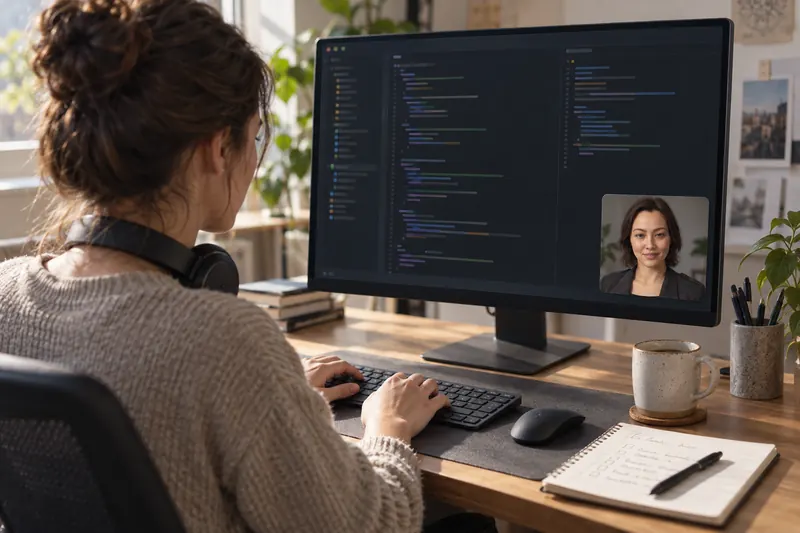
Done with the first one. What’s next?
At home

…and that was the summer we drove to Maine.

How long do I whisk this for?
At your front desk
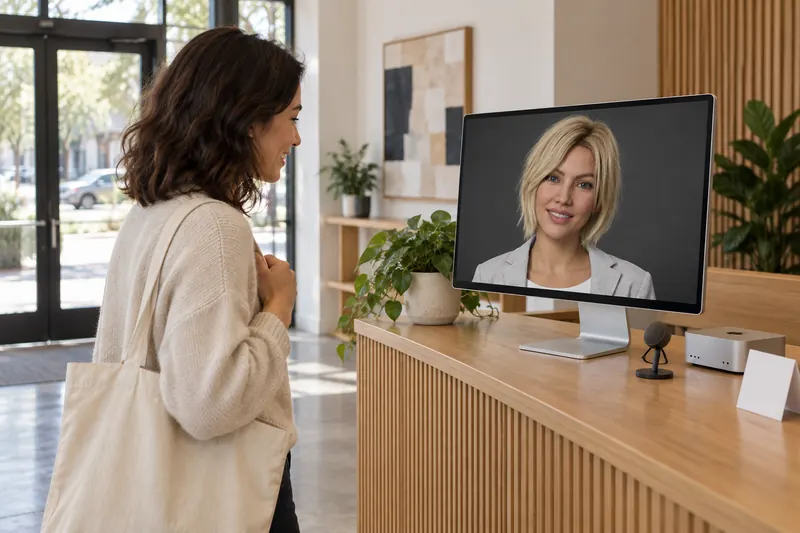
Hi, welcome in. Who are you here to see?
A virtual receptionist for your front desk.
A visitor walks in, and someone at the desk says hello and asks who they’re here to see.
Allowed at your own premises, with push to talk and a sign for visitors.
What changes when ChatGPT has a face
- You talk instead of typing. Most of these uses are spoken by nature: a language, an interview, a hard conversation, a question with your hands in dough. A face makes talking out loud to a computer feel normal within a minute.
- You can see it listening. The character looks at you while you speak, glances away while ChatGPT thinks, and speaks the answer. From across a room or the corner of a screen, one look tells you where the conversation is.
- Practice feels like the real thing. Being looked at while you answer is what makes interviews, oral exams and difficult conversations hard. Rehearsing with a face gets you used to it.
Questions
What can you use an AI avatar for?
Anything that goes better face to face than in a text box. With Facelet, people practice speaking a new language or English, rehearse job interviews and difficult conversations, get quizzed while studying, work with a face in the corner as a body double, talk at the end of the day, ask for help hands-free while cooking, and greet visitors at a front desk. Each has its own page with the exact words to start.
What shouldn’t I use it for?
Bedtime stories for young children, because ChatGPT requires its users to be at least 13. Therapy or crisis support, because Facelet is ChatGPT with a face, not a clinician; in the US, 988 answers at any hour. And anything that needs to see you, such as checking your workout form or reading sign language, because Facelet never uses your camera.
What do I need besides Facelet?
A Mac with Apple silicon (M1 or newer) on macOS 15 or newer, and a ChatGPT plan that includes voice conversation. Facelet connects to your own ChatGPT account; there is no API key and nothing billed by the minute.
Can I use Facelet at my business?
Yes. The terms allow a business to run Facelet on a Mac it owns or controls at its own premises, such as a reception display. The front-desk page explains how to set that up responsibly.
Which character should I choose for each use?
Any of them. All ten characters can do everything on these pages, with any of ChatGPT’s voices. Pick the face and voice you would most like to talk to; each character remembers the voice you pair with it.